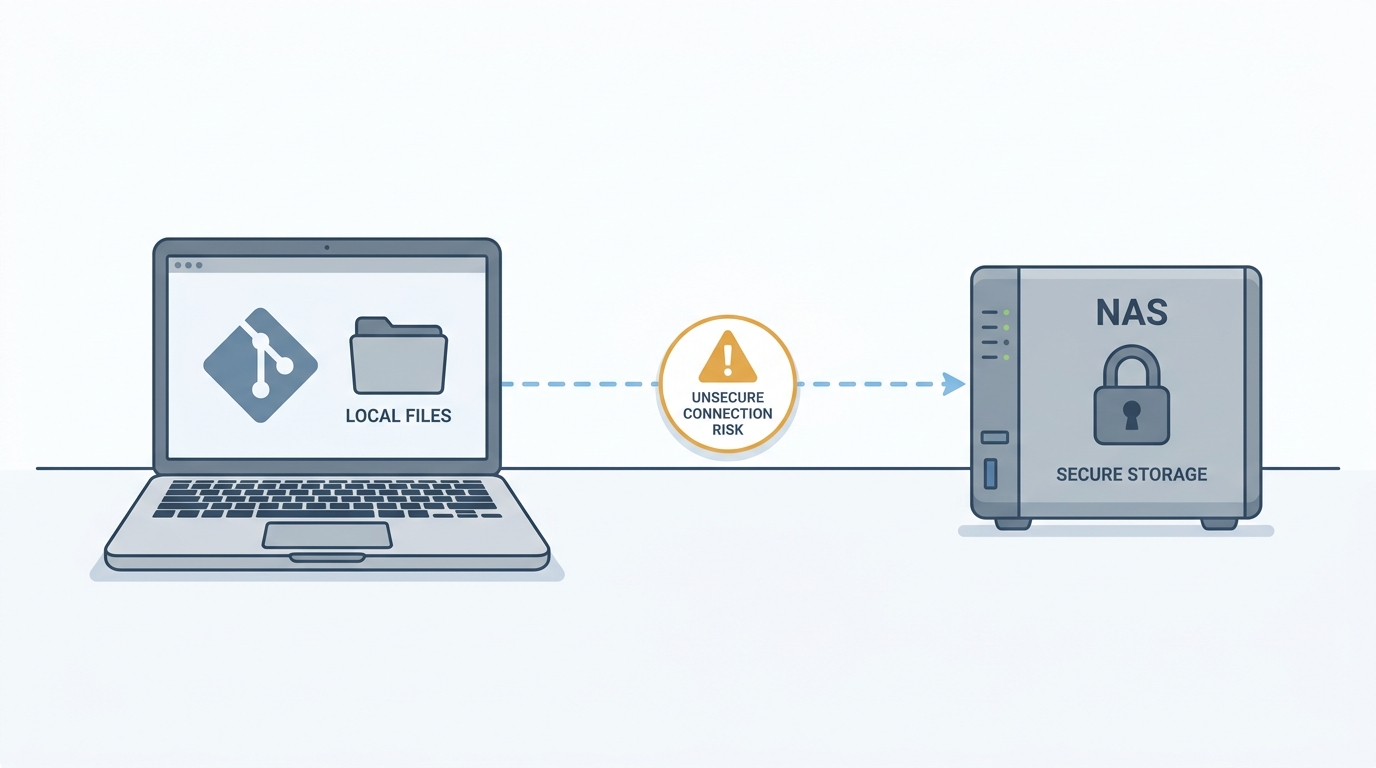
Why VS Code says “no Git repository” when the repo is right there?
Written for: developers who keep Git repositories on a NAS share and use Git on Windows.
You open a folder from a network share in VS Code. The Source Control panel says the folder has no Git repository and offers an Initialize Repository button. But the folder clearly has a .git directory, and git status in a terminal fails.
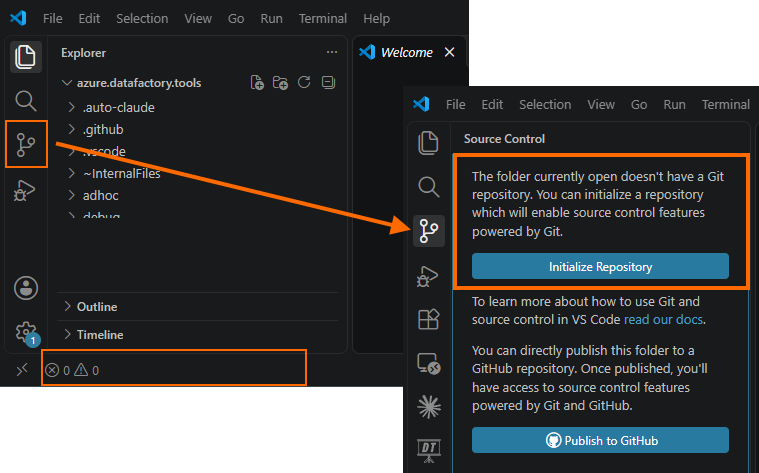
VS Code Source Control panel with the “Initialize Repository” button.
The cause
Git refuses to work in a repository whose files belong to a different user. This is the safe.directory protection added in Git 2.35.2 and later, and it applies to network shares too.
On a Synology share, the files are often owned by an account whose SID doesn’t match the user running Git. This happens when the NAS has its own local accounts and is not joined to your Windows domain, so the owner is a SID from the NAS. Git then stops with:
fatal: detected dubious ownership in repository at '//Syno******/home/GitHub/...'
VS Code’s Git extension gets the same error. It doesn’t show it, so it reports that no repository exists.

Terminal running git status with the “dubious ownership” error.
Don’t click Initialize Repository. It would create a second repository inside the existing one.
The fix
Tell Git to trust the repository. Add the exact path to your global config:
git config --global --add safe.directory //Syno******/home/GitHub/!NowinskiK/bio
Then reload the VS Code window (Ctrl+Shift+P → Developer: Reload Window).
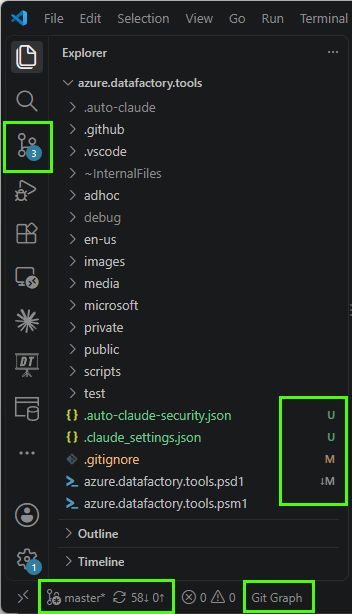
Source Control panel showing the repository’s changes after the fix.
The gotcha: the path must match exactly
safe.directory does not match subfolders. An entry for the parent share doesn’t cover a repository below it. I already had //Syno******/home/GitHub/ in my config, and it still failed. A one-off test confirmed it: the parent path didn’t help, and the exact repository path worked.
So if you have a repository under a share, add an entry for that repository itself. Use the path exactly as Git reports it in the error message.
My setup: two different accounts
My Synology has its own local accounts. It is not joined to the domain controller at home, so it doesn’t know about my Windows sign-in. I sign in to my PC with a Microsoft account, which is a different identity from the NAS account. Windows maps it to a local profile, but the NAS still sees the files as owned by its own account SID.
So the owner of the repository on the NAS (a S-1-5-21-... SID from the NAS) doesn’t match the user running Git on Windows, and Git refuses to work in it.
You can check the SIDs yourself:
|
|
Two ways to fix it
- Trust the path (what I did). Add the exact repository path to
safe.directory, as shown above. This is quick, but it only silences the check. It doesn’t change who owns the files. - Use one identity for both. Either make the NAS account match the Windows user, or join the NAS and the PC to the same domain and run Git under a domain account that has access to the share. Then the owner and the user match, and no
safe.directoryentry is needed. This is the cleaner fix if you control the NAS and want to avoid per-repository entries.
I use option 1 for now, as a temporary fix. I’m about to set up a domain for the NAS, and once that is done I plan to switch to option 2 so the owner and the Git user match without per-repository entries.